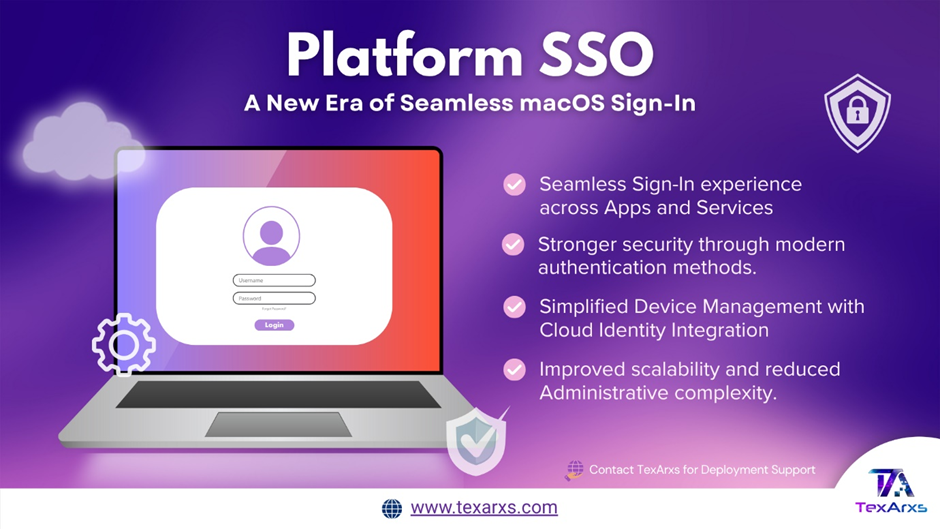
Platform SSO macOS authentication is Apple’s modern framework for replacing traditional Active Directory binding. Specifically, it integrates your organization’s Identity Provider directly into the macOS login process — allowing users to sign in with enterprise credentials like Okta or Microsoft Entra ID and gain instant access to all supported apps and services.
⚙️ How Platform SSO macOS Authentication Works
- First, the user logs in to their Mac with IdP credentials (password, Secure Enclave key, smart card, or access key).
- Next, macOS + SSO extension authenticates with the IdP and receives SSO tokens.
- Subsequently, macOS stores tokens securely in the Keychain and are shared only with the Platform SSO extension.
- As a result, these tokens are then used for seamless authentication across native apps and web apps, without repeated logins.
- Finally, tokens refresh automatically (e.g., if expired or older than 4 hours).
🔐 Supported Authentication Methods
- Password / WS-Trust: For example, Password and WS-Trust use a local password synced with Idp.
- Secure Enclave key: Passwordless authentication using Secure Enclave–backed key generated at registration.
- Smart Card: High-security method; requires smart card registration & attribute mapping.
- Access Key (Wallet): Tap to Login using Apple Wallet pass + NFC for shared environments (macOS 26+).
🧭 Key Features
🔸 Replaces AD binding — integrates cloud identity directly with macOS login.
🔸 Additionally, it syncs passwords between the local macOS account and IdP.
🔸 SSO for native + web apps using one login.
🔸 On-demand account creation — create local user accounts at login using IdP credentials.
🔸 Authenticated Guest Mode — temporary login without creating a local account.
🔸 Tap to Login (macOS 26) — use Apple Wallet credentials via NFC for instant sign-in.
🔸 Group management & network authorization — assign privileges based on IdP groups.
🔸 Kerberos ticket integration and token refresh mechanisms.
🧰 Configuration Requirements
Platform SSO requires macOS 13 or later, though some features need macOS 14–26. Additionally, your Mac must be Apple silicon or Intel with Touch ID. Furthermore, your MDM must support the Extensible SSO configuration payload, along with a compatible Platform SSO extension app for your IdP. Finally, shared device keys are required for advanced features like on-demand account creation and Authenticated Guest Mode.
📝 Platform SSO in Automated Device Enrollment
With macOS 26, Platform SSO can be enforced during Setup Assistant: First, the device requests enrollment → MDM returns SSO config. Next, macOS installs extension + registers device. Then , the user authenticates with IdP → macOS uses token to complete MDM enrollment & Managed Apple ID sign-in. Subsequently, macOS creates a local account & synced with IdP credentials. Finally, login policies and group mappings apply automatically.
🏆 Benefits
- Streamlined user experience — one login unlocks everything.
- IT teams benefit — fewer password-related tickets.
- Strong security — supports MFA, Secure Enclave, Smart Cards, and zero-trust models.
- Improved compliance — centralized authentication makes policy enforcement easier.
- Scalable — works with modern IdPs like Okta and Microsoft Entra ID.
🌐 Compatible IdPs
- Okta — first to support Platform SSO.
- Microsoft Entra ID (formerly Azure AD) — also fully supported.
- Moreover, others can integrate by building their own Platform SSO extensions.
🧭 Related Features
- Enrollment SSO → Simplifies BYOD enrollment using Managed Apple ID.
- Simplified Setup (macOS 26) → Allows PSSO setup during initial device provisioning.
- Tap to Login → NFC-based instant login for shared Macs.
✨ Key Takeaways
Platform SSO represents a major step forward in integrating macOS devices with modern cloud identity solutions. By streamlining authentication, it enhances security, simplifies user login experiences, and IT teams benefit from reduced overhead.