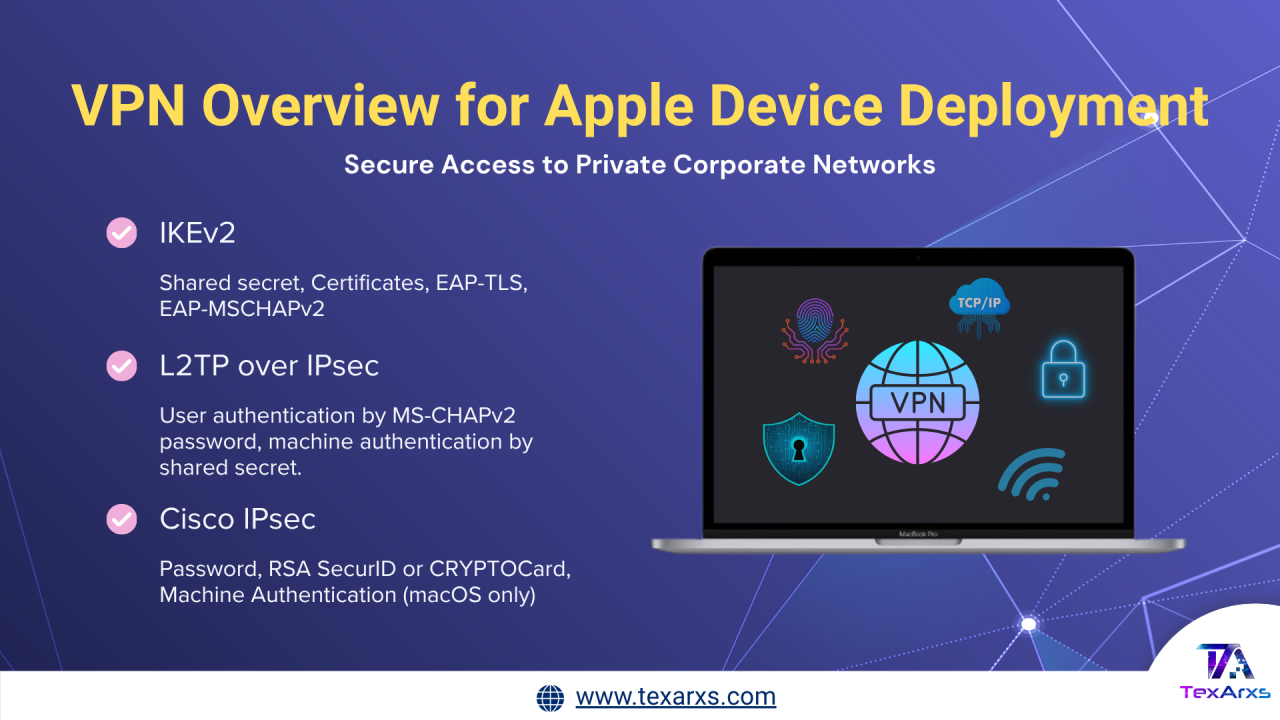
Apple provides secure access to private corporate networks across all its platforms—including iOS, iPadOS, macOS, tvOS, visionOS, and watchOS—through support for industry-standard Virtual Private Network (VPN) protocols. These built-in capabilities ensure that organizations can deploy and manage devices with enhanced privacy and data protection.
Supported VPN Protocols and Authentication Methods
Apple devices support a variety of VPN protocols, offering flexibility and compatibility with enterprise networks.
IKEv2
IKEv2 is widely supported across Apple platforms and includes the following features:
- Quantum Security: Devices running iOS 26, iPadOS 26, macOS 26, tvOS 26, visionOS 26, and watchOS 26 or later can perform additional key exchanges using ML-KEM for quantum-safe encryption.
- Authentication Methods: Shared secret, certificates, EAP-TLS, and EAP-MSCHAPv2.
- Suite B Cryptography: Includes ECDSA certificates, ESP encryption with GCM, and elliptic curve Diffie-Hellman groups.
- Additional Features: MOBIKE, IKE fragmentation, server redirect, and split tunneling.
L2TP over IPsec
Supported on iOS, iPadOS, macOS, tvOS, and visionOS with:
- User Authentication: MS-CHAPv2 password.
- Machine Authentication: Shared secret.
- On macOS, RSA SecurID or CRYPTOCard authentication can also be used.
Cisco IPsec
Supported with:
- User Authentication: Password, RSA SecurID, or CRYPTOCard.
- Machine Authentication (macOS only): Kerberos with a shared secret.
These built-in options allow organizations to connect Apple devices to their VPN without needing third-party software. Support also extends to technologies like IPv6, proxy servers, and split tunneling for optimized network performance.
Custom VPN Solutions
The Network Extension framework enables developers to create custom VPN solutions for Apple platforms. Several major VPN providers offer apps that simplify the setup process. Organizations can install these apps alongside configuration profiles that contain predefined VPN settings.
VPN On Demand
VPN On Demand automates VPN connections, activating them only when necessary. It is configured through the OnDemandRules key in a VPN payload and requires non-interactive authentication (such as certificate-based login).
Rules operate in two stages:
- Network Detection Stage: Applies VPN requirements when network conditions change.
- Connection Evaluation Stage: Applies rules when a domain connection is attempted.
Examples of rules:
- Skip VPN when connected to internal networks.
- Require VPN when using an unknown Wi-Fi network.
- Trigger VPN when a DNS request for specific domains fails.
Per-App VPN
Per-App VPN offers granular control by allowing VPN connections on an app-by-app basis in iOS, iPadOS, macOS, visionOS, and supervised watchOS devices.
Benefits include:
- Secure routing of corporate app traffic through VPN while keeping personal app data private.
- Ability to assign different VPN configurations for different managed apps (e.g., a sales app using one VPN and an accounting app using another).
Configuration involves associating the VPN connection with managed apps through:
- The Per-App VPN mapping payload (macOS), or
- The VPN configuration within the app installation command (iOS, iPadOS, macOS, visionOS 1.1).
Per-App VPN supports the built-in IKEv2 client, and for other protocols, organizations should consult their VPN vendors.
Note: To use Per-App VPN on iOS, iPadOS, watchOS 10, or visionOS 1.1, the device and apps must be managed via a device management solution (MDM).
Always On VPN
Always On VPN provides continuous protection by routing all network traffic from managed iOS, iPadOS, and visionOS devices through an organization’s VPN server.
Key features:
- Requires device supervision for activation.
- Automatically starts with no user interaction and remains active across restarts.
- Supports per-interface tunnels—one for Wi-Fi and another for cellular—ensuring full IP traffic coverage.
- All IP-routed and IP-scoped traffic (including FaceTime and Messages) is tunneled.
If the VPN tunnel isn’t established, all IP traffic is blocked, enhancing network control and data security. Traffic can be filtered and monitored before being forwarded to internal or external destinations.
Note: Apple Watch pairing isn’t supported with Always On VPN.
Transparent Proxy on macOS
Transparent proxies function as a special type of VPN on macOS, often used for:
- Content filtering
- Cloud access brokering
- Traffic inspection and modification
Administrators can define the priority order of multiple proxies in the VPN payload to ensure that, for example, traffic is filtered before being encrypted.
Conclusion
Apple’s comprehensive VPN support ensures secure and flexible connectivity for organizations deploying Apple devices. Whether through IKEv2, Per-App VPN, Always On VPN, or custom VPN extensions, IT administrators can manage, monitor, and protect data traffic efficiently—balancing enterprise security with user privacy.
Connect smarter, not harder.
TexArxs helps organizations unlock Apple’s full VPN capabilities securely and effortlessly.