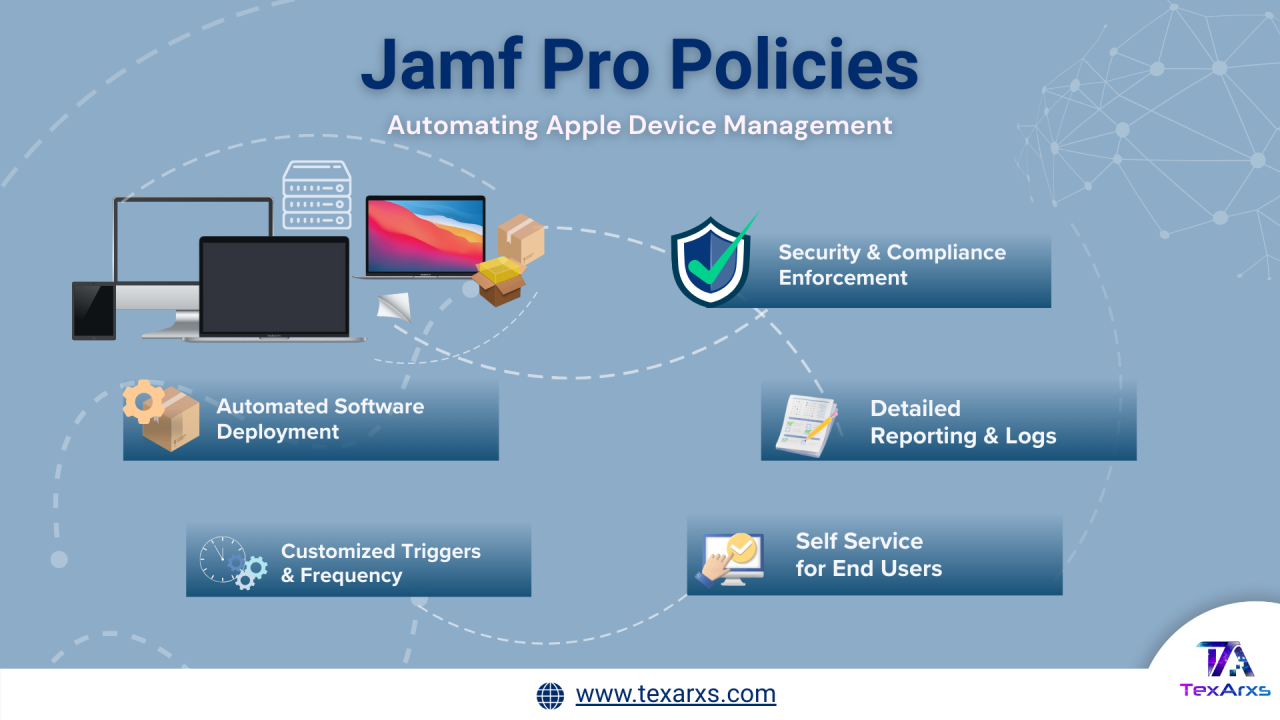
Managing Apple devices at scale requires more than manual configuration. Jamf Pro Policies are the core automation engine that allows IT teams to deploy software, enforce security, run scripts, manage accounts, and maintain device health—consistently and securely.
What Is a Policy in Jamf Pro?
A Policy in Jamf Pro is a rule-based automation that performs management tasks on enrolled macOS devices.
With a policy, administrators define:
- What action should occur (install software, run a script, update inventory, etc.)
- When it should run (trigger)
- How often it can run (execution frequency)
- Who or which devices it applies to (scope)
Policies can also be made available in Self Service, allowing users to initiate approved actions on demand.
Common Use Cases for Jamf Policies
Jamf Policies can automate nearly any task that can be scripted or packaged, including:
- Software and PKG deployments
- Disk encryption workflows
- Printer installation
- Local account creation or modification
- Inventory collection
- Security tool deployment
- Maintenance and remediation actions
Anything that can be executed via script or installer can be delivered using a policy.
Execution Frequency: How Often a Policy Can Run
Execution frequency controls how many times a policy is allowed to run per device or user.
Available options include:
- Once per computer Runs only one time per device. If enabled, the policy can retry automatically on failure.
- Once per user per computer Runs once for each user on each device (requires Self Service login).
- Once per user Runs once per username, regardless of device.
- Once every day / week / month Runs only if the device has not logged a successful execution within the defined time window.
- Ongoing Runs every time the configured trigger occurs.
⚠️ Important Note: Using an Ongoing execution frequency with a Recurring Check-In trigger can cause policies to run at every check-in, which may negatively impact device and server performance.
Policy Triggers: What Starts a Policy?
Triggers define when a policy runs. Jamf Pro supports both predefined and custom triggers.
Predefined Triggers
- Startup – When the Mac boots (startup script must be enabled)
- Login / Logout – When a user signs in or out
- Network State Change – When network conditions change
- Enrollment Complete – Immediately after device enrollment
- Recurring Check-In – At the configured check-in interval
Custom Triggers
Custom triggers allow policies to be executed manually using the Jamf binary
Execution Order: When Multiple Policies Run Together
If multiple policies are triggered at the same time, Jamf runs them in alphanumeric order by policy name.
Example:
- Alpha runs before Beta
- 1Beta runs before Alpha
This naming strategy is commonly used when one policy must run before another (for example, uninstalling an app before installing a newer version).
Creating a Policy in Jamf Pro (UI-Based Workflow)
- Navigate to Computers → Policies
- Click New
- Configure basic settings in the General payload: Trigger Execution frequency
- Add required actions using additional payloads
- Configure the Scope (target devices and users)
- (Optional) Enable Self Service
- (Optional) Configure User Interaction messages or deferrals
- Click Save
The policy runs the next time the device checks in and meets the defined criteria.
Note: Manual execution requires physical or SSH access and the device must be in scope.
Monitoring Policy Status & Logs
Jamf Pro provides full visibility into policy execution:
- Plan View – Shows triggers, scope, frequency, and actions
- Status View – Displays completed, pending, failed, or retrying executions
- Logs – Detailed execution records per device
Logs can be flushed per device or entirely. Jamf truncates logs after 25 KB, so scripts should avoid excessive output.
Policies in Self Service & User Interaction
Policies can be made available in Self Service, allowing users to install software or run approved actions.
User Interaction Capabilities
- Display messages before or after execution
- Allow users to defer policies
- Enforce deferral limits
- Display notifications via Jamf Helper
When deferrals reach their limit, the policy runs automatically.
Policies with Third-Party Platforms (AppsAnywhere Example)
Jamf Policies can also be triggered by external platforms such as AppsAnywhere.
Key requirements:
- Policy must be Enabled
- Execution frequency must be Ongoing
- Policy must be available in Self Service
- Device must meet scope and connectivity requirements
Why Jamf Policies Matter
Jamf Policies are the backbone of Apple device automation. They provide:
- Scalable software delivery
- Consistent security enforcement
- Reduced manual effort
- Controlled user interaction
- Detailed reporting and troubleshooting
When designed thoughtfully, policies turn Apple device management into a predictable, automated, and auditable process.
Conclusion
Jamf Pro Policies are more than simple task runners—they are the foundation of scalable, secure, and automated Apple device management. By combining triggers, execution frequency, scope, and user interaction, policies enable IT teams to deliver software, enforce security, and maintain compliance with precision and consistency.
Effective Jamf automation starts with the right policy strategy—TexArxs helps you design it right.